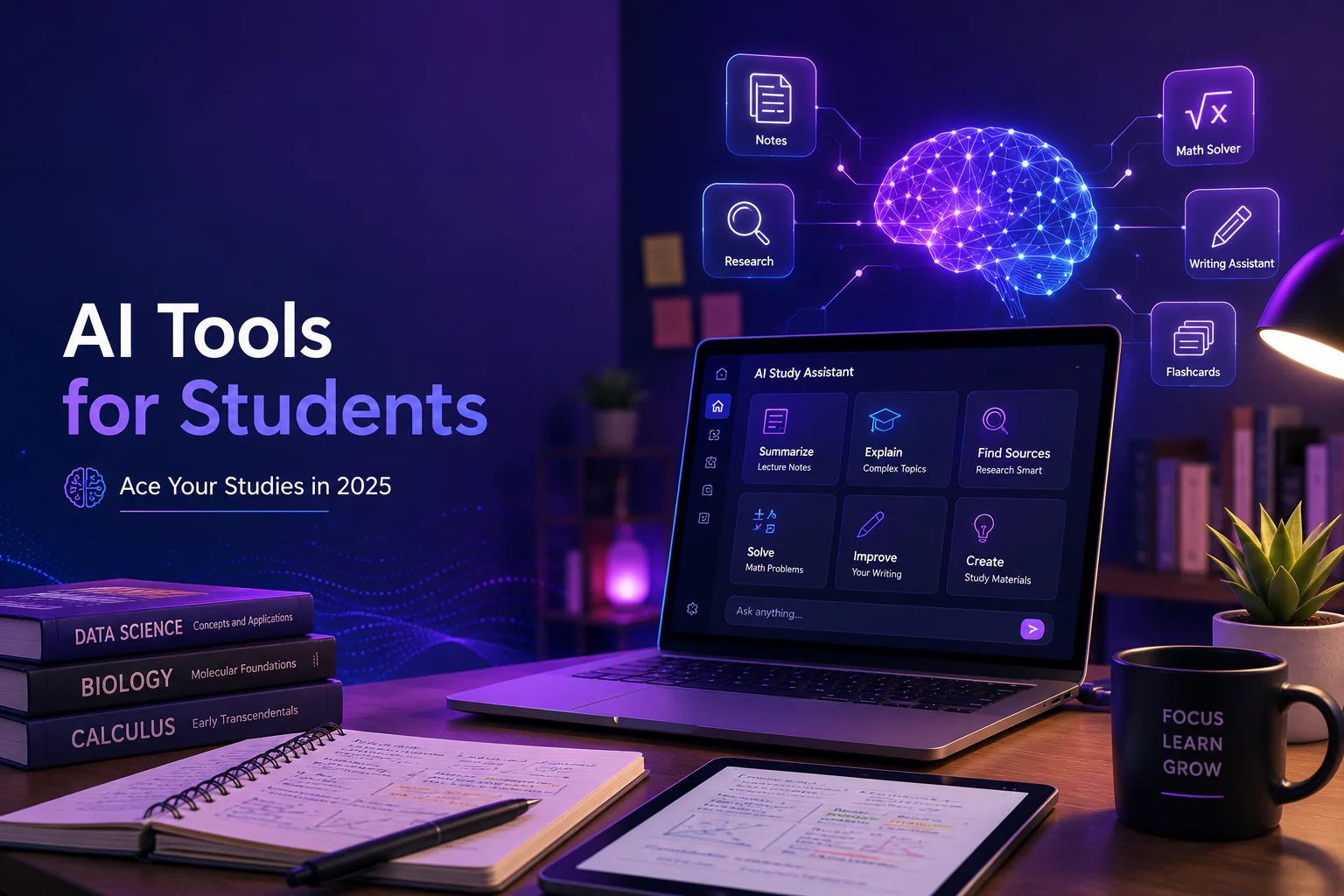
The students who are winning academically in 2026 are not the ones working harder than everyone else. They are the ones working smarter — using AI tools to handle the mechanical parts of studying so they can spend their limited time on the thinking, understanding, and application that actually builds knowledge. From AI note-takers that summarize a two-hour lecture into five bullet points to AI math solvers that show you the working step by step, these tools are transforming what is possible for students at every level.
This guide covers the 10 best AI tools for students, organized by what they are best at, with honest notes on cost and free tier availability. Every student should be able to find at least three or four tools here that immediately improve their workflow.
| Academic integrity note: AI tools are powerful study aids but using AI to write assignments and submitting them as your own work violates academic integrity policies at virtually every institution. This guide focuses on using AI to understand material, improve your own writing, and study more efficiently — not to replace your own work. |
1. Perplexity AI — Best AI Research Tool for Students
For research tasks, Perplexity AI is the single most useful AI tool a student can have. Unlike ChatGPT, Perplexity searches the real web in real time and provides sourced, cited answers — meaning you can trace every claim back to its origin. This makes it ideal for starting research papers, understanding unfamiliar concepts, and building topic overviews before diving into primary sources.
- • Free tier: Unlimited standard searches, citations included, no credit card required
- • Best use cases: Starting literature reviews, understanding complex concepts, finding credible sources on a topic
- • Pro tip: Ask Perplexity to ‘summarize the academic consensus on [topic] and list the most commonly cited studies’ — it gives you a research map in seconds
- • Paid option: Perplexity Pro ($20/month) unlocks GPT-4o and Claude-powered searches for more complex research needs
2. ChatGPT — Best AI Tutor and Concept Explainer
ChatGPT‘s free tier is one of the most powerful study companions available. Its real strength for students is as an on-demand tutor: you can ask it to explain a concept you did not understand in class, work through a practice problem with you step by step, quiz you on material before an exam, or explain the same idea in five different ways until one clicks.
- • Free tier: GPT-4o mini, no credit card required, unlimited conversations (rate limited at peak hours)
- • Best use cases: Concept explanation, exam practice, generating practice questions, explaining complex readings
- • Pro tip: ‘Explain [concept] as if I’ve never encountered it before, then explain it again at an undergraduate level, then give me three real-world examples’ is one of the most powerful learning prompts you can use
3. Otter.ai — Best AI Note-Taker for Lectures
Otter.ai records and transcribes lectures in real time, then uses AI to generate summaries and key points. For students who struggle to take notes and follow the lecture simultaneously — which is most students — Otter is transformative. Record the lecture, follow along attentively, and review the AI-generated summary and full transcript afterwards.
- • Free tier: 300 transcription minutes per month, AI summary, searchable transcript, Zoom integration — no credit card required
- • Best use cases: Lecture transcription, seminar note-taking, recording study group discussions, transcribing interview recordings
- • Limitation: 30-minute single session limit on free; for longer lectures, start a new session at the break
4. Grammarly — Best AI Writing Assistant for Students
Grammarly‘s free browser extension is one of the most impactful tools a student can install. It catches grammar, spelling, punctuation, and clarity issues in real time across any platform — Google Docs, university portals, email, everything. For students writing in English as a second language, the quality improvement is especially significant.
- • Free tier: Grammar, spelling, punctuation checking, tone detector, Google Docs integration — completely free
- • Best use cases: Essays, email to professors, application statements, any formal written work
- • Upgrade path: Grammarly Premium ($12/month) adds style suggestions, plagiarism checking, and AI rewriting — useful but not essential for most students
5. Photomath / Mathway — Best AI Math Solver for Students
Photomath lets you point your phone camera at a handwritten or printed math problem and get a step-by-step solution instantly. This is not about getting answers — it is about understanding the method. Seeing each step labeled and explained is more effective for many students than re-reading a textbook solution. For algebra, calculus, statistics, and more.
- • Free tier: Step-by-step solutions for most problems, camera scan or manual entry, no credit card required
- • Best use cases: Understanding where you went wrong in a problem, learning method for new problem types, checking homework
- • Alternative: Wolfram Alpha is excellent for more advanced mathematics, physics, and chemistry — free for basic queries, subscription for full step-by-step
6. Quizlet (with AI Features) — Best AI Flashcard and Study Tool
Quizlet has evolved from a flashcard app into a full AI-powered study platform. In 2026, Quizlet’s AI can generate flashcard sets from text you paste in, create practice tests in multiple formats, and adapt difficulty based on your performance. The free tier is generous enough for most students to use without paying.
- • Free tier: Create and study flashcard sets, basic practice tests, AI flashcard generation (limited), access to millions of existing sets
- • Best use cases: Memorization-heavy subjects (anatomy, languages, history dates, legal terms), exam preparation
- • Paid option: Quizlet Plus (~$8/month) adds unlimited AI generation, offline access, and no ads
7. Notion AI — Best AI for Organizing Study Notes and Projects
Notion is the most powerful free note-taking and organization tool available, and its AI layer makes it a genuine knowledge management system for serious students. Build a Notion workspace that holds all your lecture notes, reading summaries, research, and project timelines — then use AI to summarize, connect, and synthesize across your notes.
- • Free tier: Full Notion workspace free indefinitely; 20 free AI responses included, then $10/month add-on
- • Best use cases: Organizing semester notes by course, building research databases, managing thesis or dissertation materials
- • Pro tip: Build a ‘Course Hub’ for each class with lecture notes, reading summaries, and an AI-generated study guide at the end of each week
8. Claude — Best AI for Reading Complex Academic Texts
Claude‘s long context window — up to 200,000 tokens on the free tier — makes it uniquely useful for students working with long academic papers, legal texts, historical documents, or dense reading assignments. Paste in an entire journal article and ask for a plain-English summary, key arguments, methodology critique, or study questions. This changes the economics of dealing with difficult reading.
- • Free tier: Long context window, Claude Haiku model, no credit card required
- • Best use cases: Summarizing long academic papers, extracting key arguments from dense texts, understanding readings before seminars
- • Pro tip: ‘Here is a paper I need to read for class.
Summarize the main argument, the methodology, the key findings, and any limitations the authors acknowledge. Then give me five discussion questions I could raise in seminar.’
9. Consensus — Best AI for Academic Literature Review
Consensus is an AI-powered academic search engine that searches peer-reviewed papers and extracts findings. Unlike general AI tools that might fabricate citations, Consensus works exclusively from real published research. Ask a research question and get summarized findings from multiple peer-reviewed studies — with direct links to the papers.
- • Free tier: Limited searches per month, access to paper summaries and links, no credit card required
- • Best use cases: Starting a literature review, finding evidence for a claim, checking whether research supports a hypothesis
- • Best for: Science, medicine, psychology, economics, and any field with strong empirical literature
10. Speechify — Best AI Tool for Auditory Learners
Speechify converts any text — PDFs, web articles, Google Docs, emails — into high-quality AI-generated audio. For auditory learners, students with dyslexia, or anyone dealing with a heavy reading load, listening to study materials at 1.5-2x speed can dramatically increase the amount of content covered in a given study session.
- • Free tier: 10 hours of listening per month, standard AI voices, Chrome extension
- • Best use cases: Textbook chapters, journal articles, lecture slides, review materials
- • Paid option: Speechify Premium ($139/year) adds unlimited listening and higher-quality AI voices
AI Tools for Students: Quick Reference by Study Task
| Study Task | Best AI Tool | Free? |
| Research and finding sources | Perplexity AI | Yes — unlimited standard |
| Understanding difficult concepts | ChatGPT | Yes — GPT-4o mini |
| Transcribing lectures | Otter.ai | Yes — 300 min/month |
| Improving writing quality | Grammarly | Yes — full grammar checking |
| Solving math problems | Photomath | Yes — step-by-step |
| Flashcards and exam prep | Quizlet | Yes — basic features |
| Organizing notes and projects | Notion | Yes — workspace free |
| Summarizing long papers | Claude | Yes — long context |
| Academic literature review | Consensus | Limited — monthly cap |
| Listening to study materials | Speechify | Yes — 10 hrs/month |
[Internal Link: Best Free AI Tools in 2026 (No Credit Card Needed) -> /blog/best-free-ai-tools-2026]
[Internal Link: How AI Can Save You 10 Hours a Week at Work -> /blog/how-ai-saves-time-at-work]
Frequently Asked Questions
Is using AI tools cheating in school?
Using AI as a study aid — to understand concepts, transcribe lectures, improve grammar, or find research sources — is not cheating. Using AI to write your assignments and submitting that work as your own is academic dishonesty under virtually every university’s academic integrity policy. The distinction is whether AI is helping you learn and express your own ideas, or replacing your intellectual contribution entirely. Always check your institution’s specific AI use policy, as it varies significantly between schools and courses.
What is the best free AI tool for writing essays?
For essay writing specifically: Grammarly free is essential for catching errors and improving clarity. Perplexity is the best free tool for research and finding credible sources. Claude or ChatGPT free can help you outline your argument, understand counter-arguments, or get feedback on a draft you have already written. None of these tools should be writing the essay for you — they should be helping you write it better.
Can AI tools help with STEM subjects?
Yes, significantly. ChatGPT and Claude can explain complex STEM concepts in plain language, walk through solved problems step by step, and help debug code. Photomath and Wolfram Alpha handle mathematics at all levels. For sciences, Consensus surfaces peer-reviewed research on specific questions. Wolfram Alpha handles physics, chemistry, and engineering calculations with steps shown.
| Want the Full Student AI Toolkit?Download our free guide covering the complete AI study setup for university students — including prompt templates for every major academic task, a course organization system in Notion, and a weekly study routine built around AI assistance.Get started today -> |