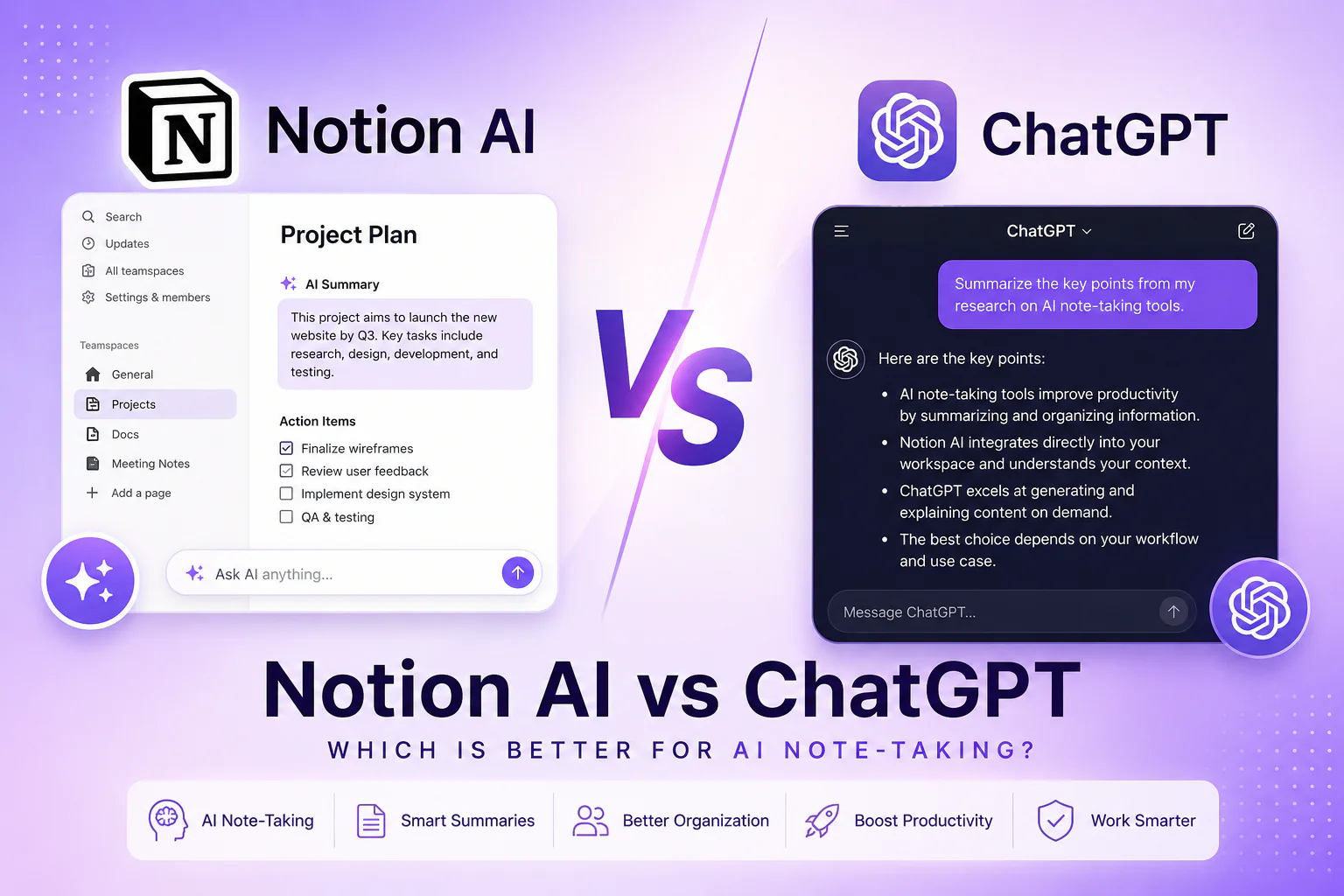
If you’ve been searching for the best AI note-taking tool, you’ve likely narrowed it down to two heavy hitters: Notion AI and ChatGPT. Both promise to supercharge your productivity, but they serve very different purposes. In this in-depth Notion AI review, we’ll break down every major feature, compare real-world use cases, and help you decide which AI note-taking solution fits your workflow.
Whether you’re a student drowning in lecture notes, a professional juggling projects, or a team lead managing documentation, understanding the difference between Notion AI features and ChatGPT notes functionality could save you hours every week. Let’s dive in.
What Is Notion AI?
Notion AI is an artificial intelligence layer built directly into Notion — one of the world’s most popular all-in-one workspace tools. Unlike standalone AI tools, Notion AI features are deeply embedded into your existing databases, pages, and wikis. This means the AI has context about your workspace, your projects, and your writing history.
With Notion AI review scores consistently high on contextual accuracy — it can summarize meeting notes, auto-fill database fields, translate content, and even generate action items from a messy brain dump. According to Notion’s official feature page, the AI is trained to understand your unique workspace structure, giving it a significant edge for AI note-taking that’s actually connected to your work.
| 🚀 Ready to supercharge your note-taking? Try Notion AI free for 7 days → notion.so/product/ai |
What Is ChatGPT for Notes?
ChatGPT, developed by OpenAI, is a general-purpose large language model that excels at generating, editing, and summarizing text. While it wasn’t originally designed as an AI note-taking tool, millions of users now use ChatGPT notes workflows for everything from summarizing research papers to drafting project briefs.
ChatGPT operates in a conversational interface and has no native memory of your previous sessions (unless you enable its Memory feature). For best note apps AI comparisons, this is a critical distinction. ChatGPT shines when you need a blank-slate thinking partner, but it doesn’t integrate natively into your note library the way Notion does.
Notion AI vs ChatGPT: Feature-by-Feature Comparison
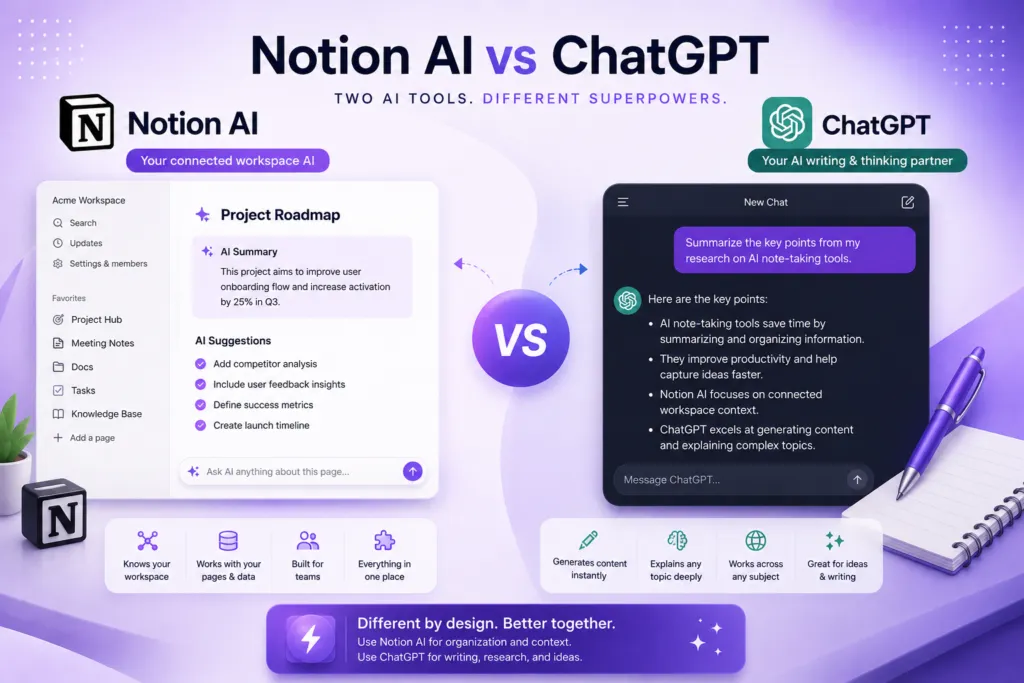
Here’s a side-by-side breakdown of Notion AI features versus ChatGPT capabilities for AI note-taking:
| Feature | Notion AI | ChatGPT |
| Best For | Teams & workspace management | Standalone writing & research |
| AI Writing | Inline suggestions, autofill | Full drafts, long-form content |
| Note Organization | Databases, linked pages, tags | Limited (chat only) |
| Context Awareness | Knows your workspace | Generic (no workspace) |
| Collaboration | Real-time multi-user | Single user per session |
| Integrations | Slack, GitHub, Figma, Jira | Plugins & API integrations |
| Offline Access | Yes (desktop app) | No |
| Pricing | Free + $10/mo AI add-on | Free + $20/mo (Plus) |
| Best Use Case | Project docs, wikis, SOPs | Research, email drafts, ideation |
Use Case 1: For Students
Students who use AI note-taking tools need speed, organization, and the ability to synthesize large volumes of information. In this category, both tools have merits, but they serve different moments in the study workflow.
ChatGPT is unbeatable for on-demand research and explanation. Ask it to explain quantum mechanics in plain English or summarize a 40-page paper, and it delivers instantly. For ChatGPT notes during active study sessions, the conversational format feels natural and low-friction.
However, for long-term retention and organization, Notion AI features win. You can build a structured study database, tag concepts, and use Notion AI to auto-generate flashcard summaries from your own notes. The Notion AI review community on Reddit consistently praises this for exam prep. Check out this Notion student template guide to get started.
Use Case 2: For Professionals
Professionals dealing with meetings, client briefs, and project documentation need their AI note-taking tool to integrate seamlessly with their workflow. This is where the Notion AI review tilts heavily in Notion’s favor.
Notion AI can pull context from your existing CRM notes, project timelines, and meeting logs to generate intelligent summaries and next-step recommendations. You can even ask it to “write a weekly status update based on this project page” — something ChatGPT simply cannot do without manually pasting in context.
That said, for standalone tasks like drafting a cold email, polishing a proposal, or brainstorming campaign ideas, ChatGPT notes workflows via GPT-4 are still faster and more powerful in raw writing quality. Many professionals use both tools in tandem — Notion for organization, ChatGPT for generation. Tools like Zapier’s AI automation can help bridge the two.
| 📋 Download our free Notion AI Productivity Template — built for professionals managing 5+ projects |
Use Case 3: For Teams
For teams, the best note apps AI comparison becomes clear fast. Notion AI is purpose-built for collaboration. Multiple team members can access, edit, and query the same AI-enhanced database simultaneously. You can build SOPs, product wikis, and meeting note systems where AI auto-populates fields, summarizes threads, and flags follow-ups.
ChatGPT lacks native team features. While you can use the Teams plan on ChatGPT Enterprise, there’s no shared workspace or document-level AI context. Each session is isolated, making it less ideal for teams needing consistent AI note-taking across a shared knowledge base.
Pricing: Notion AI vs ChatGPT
Cost matters when choosing the best note apps AI for your needs. Notion offers a free plan with limited AI, plus a $10/month AI add-on on top of the Notion Plus plan ($16/month). ChatGPT’s free tier is solid, but GPT-4 access requires ChatGPT Plus at $20/month. For teams needing Notion AI features at scale, Notion’s Business plan at $18/user/month includes AI.
The Verdict: Which Should You Choose?
After this thorough Notion AI review, here’s the bottom line:
• Choose Notion AI if: You want organized, connected, searchable AI note-taking embedded in your workspace.
• Choose ChatGPT if: You need a powerful AI writing and research assistant without workflow constraints.
• Use both if: You want the best of both worlds — Notion for structure, ChatGPT for generation.
Still not sure? Check out our full guide on the top AI productivity tools of 2025 to explore even more options for your AI note-taking stack.
| ✅ Start Your Notion AI Free Trial Today — No Credit Card Required → notion.so/pricing |