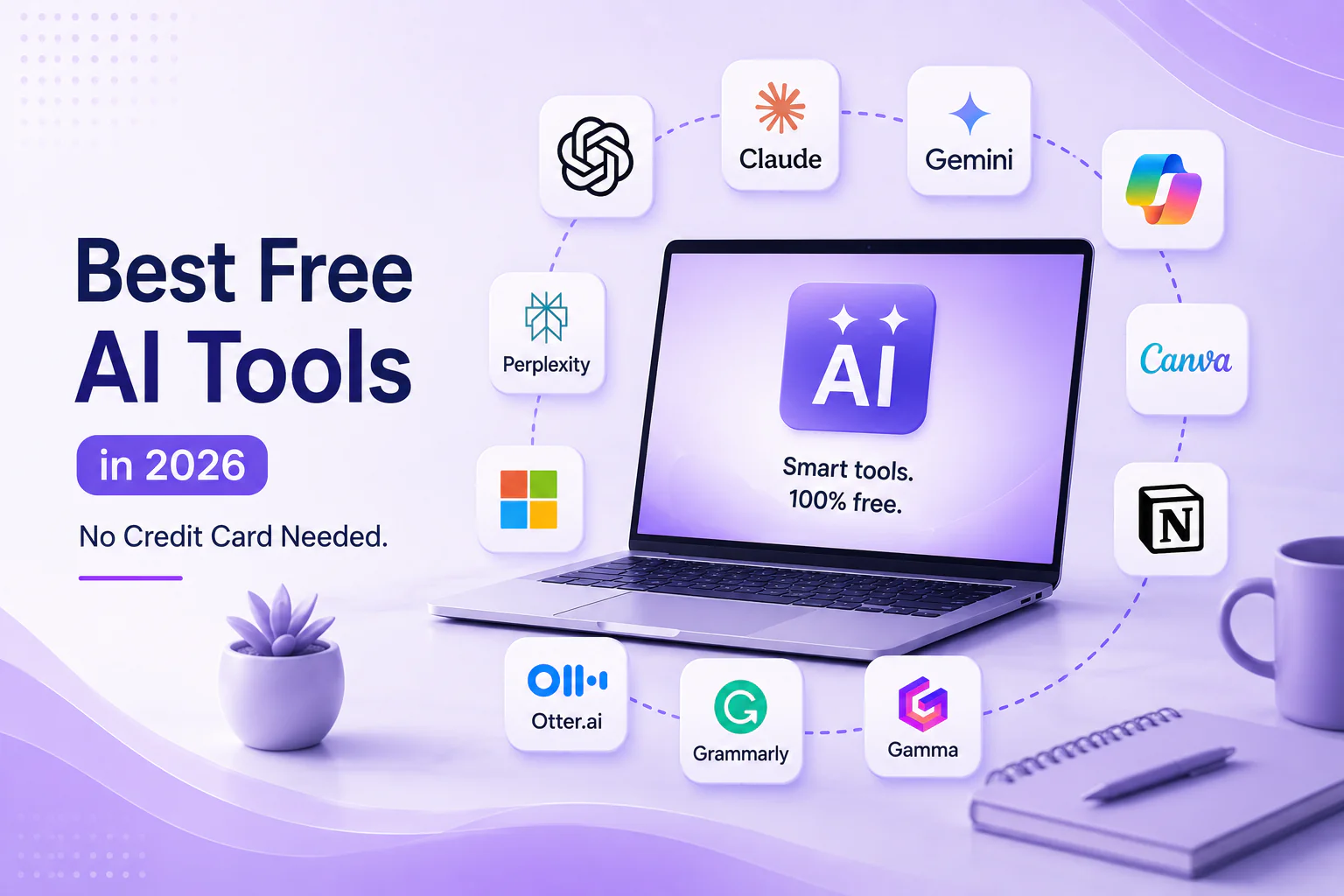
The AI tools landscape in 2026 is genuinely one of the most exciting — and most overwhelming — spaces in technology. New tools launch every week, pricing changes constantly, and the line between a true free tier and a thinly veiled trial is often deliberately blurred. This guide cuts through the noise. Every tool listed here offers a genuinely usable free tier with no credit card required to get started. Where limitations exist, we have called them out clearly so you know exactly what you are getting before you invest time learning a new tool.
| How we define ‘free’ in this guide: A tool qualifies as a free AI tool only if it offers ongoing access to core features at no cost, without requiring a credit card at signup and without reverting to paid-only after a fixed trial window. Free tiers with meaningful usage caps (e.g., 10 free generations per day) are included but clearly noted. Time-limited free trials are excluded. |
1. ChatGPT (Free Tier) — Best All-Round Free AI Assistant
ChatGPT by OpenAI remains the most capable and most widely used free AI assistant available in 2026. The free tier runs on GPT-4o mini, which is genuinely useful for writing, summarizing, brainstorming, coding help, and answering complex questions. The free tier does not require a credit card, though it has usage limits during peak hours.
- • Free tier includes: GPT-4o mini model, unlimited text conversations (rate limited during peaks), basic image viewing, memory features
- • Limitations: No GPT-4o full model, no DALL-E image generation, no Advanced Data Analysis or custom GPTs on free
- • Best for: Writing assistance, answering questions, summarizing documents, generating ideas, learning coding basics
- • Upgrade path: ChatGPT Plus at $20/month unlocks GPT-4o, image generation, and custom GPTs
2. Claude (Free Tier) — Best for Long Documents and Nuanced Writing
Claude by Anthropic is the strongest free ChatGPT alternative for tasks involving long-form writing, document analysis, and nuanced reasoning. The free tier includes access to Claude 3 Haiku and limited access to Sonnet, with a 200K token context window that allows you to paste in entire research papers or long documents for analysis — something ChatGPT’s free tier cannot match.
- • Free tier includes: Claude Haiku access, some Sonnet access, very long context window, no credit card required
- • Limitations: Daily message limits on Sonnet, no API access, no Projects feature on free
- • Best for: Summarizing long PDFs, editing long-form writing, research assistance, nuanced creative writing
3. Perplexity AI (Free Tier) — Best Free AI Search Engine
Perplexity AI redefines what a search engine can be. Rather than returning a list of links, Perplexity synthesizes answers from multiple web sources in real time — with citations. The free tier is genuinely powerful and represents one of the best no-cost AI tools available for research and fact-finding tasks.
- • Free tier includes: Unlimited standard searches, sourced answers with citations, follow-up questions, file upload (limited)
- • Limitations: Pro searches (using GPT-4o or Claude) are limited to 5 per day on free; no Perplexity Spaces
- • Best for: Research, fact-checking, getting sourced answers quickly, replacing basic Google searches
[Internal Link: Perplexity AI Review: Is It Really a Google Killer? -> /blog/perplexity-ai-review]
4. Google Gemini (Free Tier) — Best Free AI for Google Workspace Users
Google Gemini is Google’s flagship AI assistant, available free with a Google account. In 2026, the free tier runs Gemini 1.5 Flash and gives you solid performance across writing, coding, image analysis, and web browsing integration. For anyone already embedded in the Google ecosystem, Gemini’s native integration with Gmail, Docs, and Drive makes it particularly practical.
- • Free tier includes: Gemini 1.5 Flash model, image analysis, Google Search integration, some Workspace integration
- • Limitations: Gemini 1.5 Pro and Ultra require Google One AI Premium ($19.99/month); limited turns in extended conversations
- • Best for: Google Workspace users, summarizing emails, drafting Docs content, general Q&A
5. Microsoft Copilot (Free) — Best Free AI for Windows and Bing Users
Microsoft Copilot is available free to anyone with a Microsoft account and offers access to GPT-4o through Bing integration. It includes free image generation via DALL-E 3 (with a daily limit), making it one of the few genuinely free AI tools that include image creation at no cost.
- • Free tier includes: GPT-4o access via Bing, DALL-E 3 image generation (limited daily), Edge browser integration, Office.com integration
- • Limitations: Context window shorter than paid tiers; image generation limited to ~15 boosts per day without Copilot Pro
- • Best for: Windows users, free AI image generation, browser-integrated research, Office document drafting
6. Canva AI (Free Tier) — Best Free AI for Visuals and Design
Canva‘s free plan includes a solid set of AI-powered design features in 2026. Magic Write generates copy for social posts, presentations, and marketing materials. Background Remover is available on free. Magic Eraser and some AI image generation features are available with a daily credit allowance.
- • Free tier includes: Magic Write (limited uses/month), background remover, AI image generation (limited credits), thousands of templates
- • Limitations: Magic Studio advanced features require Canva Pro ($14.99/month); brand kit restricted to free
- • Best for: Social media graphics, presentations, marketing materials, quick logo concepts
7. Notion AI (Free Trial — Included in Workspace) — Best for Note-Taking + AI
Notion AI is built directly into Notion’s free workspace tier. You receive 20 free AI responses to start, after which AI features require an add-on ($8-10/month). While not unlimited free, the initial free access is generous enough to evaluate meaningfully, and the base Notion workspace — which remains free indefinitely — is one of the best free productivity tools available with or without AI.
- • Free access: 20 free AI responses, then $10/month add-on; Notion workspace itself is free indefinitely
- • Best for: Summarizing notes, drafting project outlines, extracting action items from meeting notes, organizing research
8. Gamma (Free Tier) — Best Free AI for Presentations
Gamma generates entire slide decks, documents, and webpages from a prompt or outline. The free tier gives you 400 AI credits at signup, which is enough to generate several complete presentations. Credit usage is transparent and topped up with referrals.
- • Free tier includes: 400 AI credits at signup, unlimited presentations with watermark, all templates, shareable links
- • Limitations: Gamma watermark on free; exporting to PowerPoint requires paid plan ($8-15/month)
- • Best for: Quickly generating presentation drafts, pitch decks, one-pagers, reports with visual design
9. Otter.ai (Free Tier) — Best Free AI for Meeting Transcription
Otter.ai transcribes audio and video in real time and uses AI to generate meeting summaries, action items, and searchable transcripts. The free tier is genuinely useful for individuals and small teams managing a moderate number of meetings.
- • Free tier includes: 300 transcription minutes/month, AI meeting summary, 3 file imports, Zoom/Teams integration
- • Limitations: 30-minute single session limit; no custom vocabulary or advanced export formats on free
- • Best for: Freelancers, students, small teams transcribing meetings, podcasters, interviews
10. Grammarly (Free Tier) — Best Free AI for Writing Improvement
Grammarly‘s free tier remains one of the most useful free AI writing tools for everyday use. It catches grammar, spelling, and basic clarity issues across browsers, Google Docs, and desktop apps. The 2026 free tier includes some GrammarlyGO generative AI prompts — a meaningful upgrade from previous years.
- • Free tier includes: Grammar and spell checking, tone detector, browser extension, Google Docs integration, some GrammarlyGO prompts
- • Limitations: Advanced style suggestions, plagiarism checker, and full AI rewrites require Premium ($12/month+)
- • Best for: Students, professionals, non-native English writers, anyone sending important emails or documents
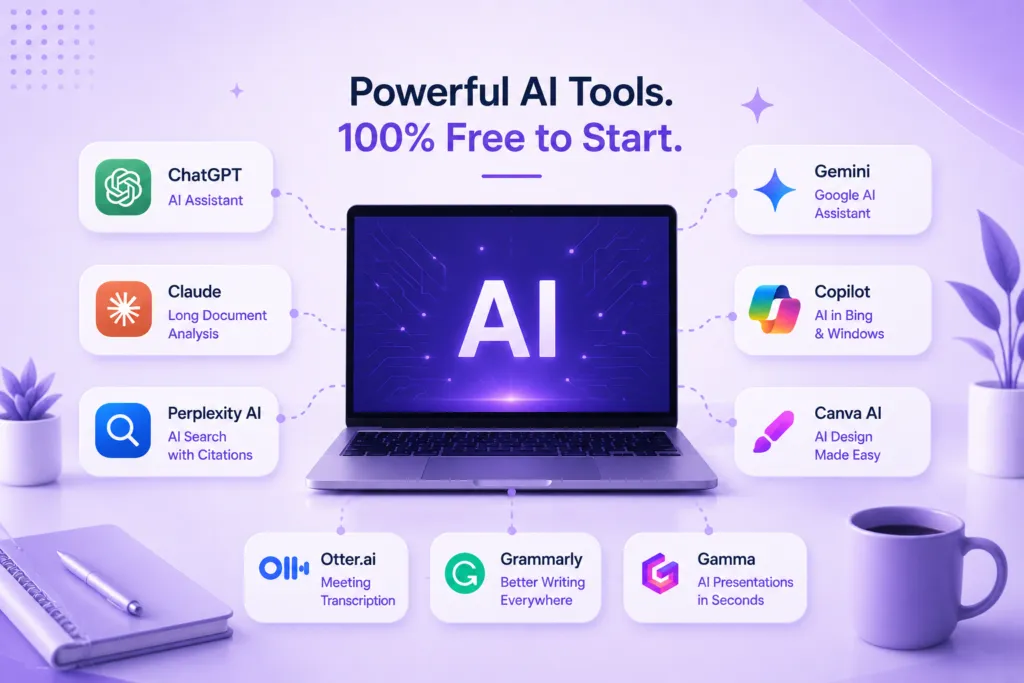
Quick Comparison: Best Free AI Tools at a Glance
| Tool | Category | Free Tier Quality | Credit Card Required? |
| ChatGPT (Free) | AI Assistant | Good — GPT-4o mini | No |
| Claude (Free) | AI Assistant | Good — Haiku + some Sonnet | No |
| Perplexity AI | AI Search | Excellent — unlimited standard | No |
| Google Gemini | AI Assistant | Good — Gemini 1.5 Flash | No |
| Microsoft Copilot | AI Assistant + Image | Good — GPT-4o + DALL-E 3 | No |
| Canva AI | Design | Good — limited credits | No |
| Gamma | Presentations | Good — 400 credits | No |
| Otter.ai | Transcription | Good — 300 min/month | No |
| Grammarly | Writing | Good — grammar + some AI | No |
| Notion AI | Productivity | Limited — 20 free responses | No |
Free Tier vs Free Trial: How to Tell the Difference
One of the most common frustrations when exploring AI tools is discovering that a ‘free’ plan is actually a 14-day trial that auto-charges after. Here is how to tell the difference before you hand over your card details: a genuine free tier does not expire, does not require a credit card to activate, clearly states ongoing usage limits (e.g., ‘100 generations per month’), and allows you to continue using the product indefinitely — even if at reduced capacity. A free trial has a fixed expiry date, often requires card details upfront, and converts to a paid subscription unless you actively cancel. Always check the pricing page directly for the word ‘forever’ or ‘always free’ before signing up.
Frequently Asked Questions
Are these free AI tools really completely free?
Every tool in this list offers a genuine free tier with ongoing access — not just a trial. However, all of them also have paid plans that unlock significantly more capability. The free tiers are useful starting points, and for light or occasional use, many people will never need to upgrade. Power users and professionals will typically find value in at least one or two paid upgrades.
Which free AI tool is best for students?
For students, the combination of ChatGPT free (for writing and concept explanation), Perplexity AI (for research with citations), Grammarly free (for writing quality), and Otter.ai free (for lecture transcription) covers most academic needs at zero cost. See our dedicated guide for a deeper breakdown.
[Internal Link: AI Tools for Students: 10 Apps to Ace Your Studies -> /blog/ai-tools-for-students]
What is the best free alternative to ChatGPT Plus?
Microsoft Copilot provides the closest free equivalent to ChatGPT Plus — it runs on GPT-4o and includes DALL-E 3 image generation at no cost, though with daily limits. Claude’s free tier is the best alternative for long-document tasks and nuanced writing. Perplexity is the best free alternative specifically for research and web search tasks.
| Need Help Choosing the Right AI Tools for Your Business?Our team helps businesses identify and implement the AI tools that genuinely save time and deliver ROI — not just the ones with the biggest marketing budgets. Book a free AI strategy consultation today.Get started today -> |