
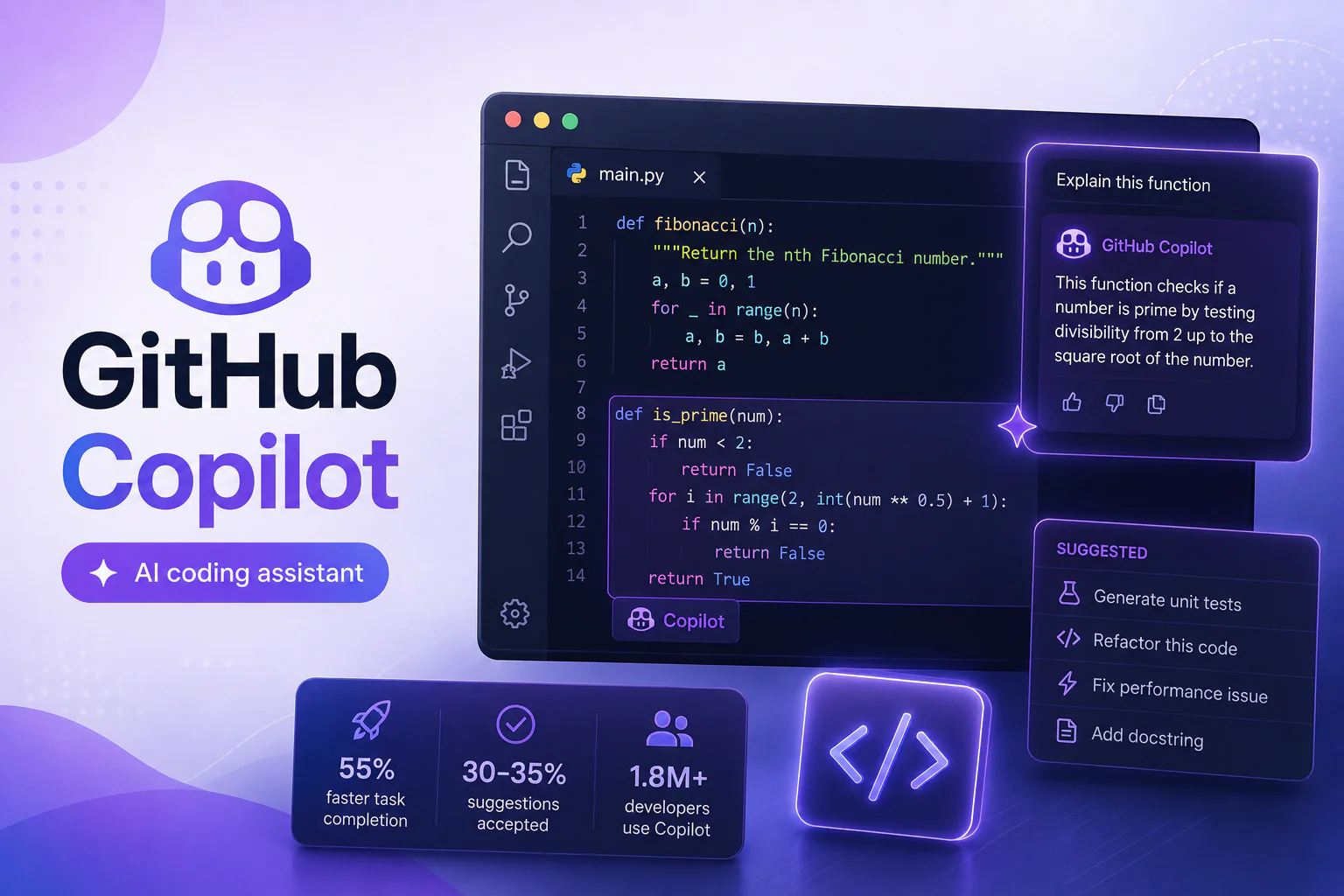
Every developer has an opinion about GitHub Copilot. Some say it is a revolutionary AI coding assistant that has transformed their productivity. Others say it writes plausible-looking nonsense that wastes more time than it saves. In this GitHub Copilot review, we cut through the hype with an honest, developer-focused assessment: real code examples, accuracy statistics, a head-to-head Copilot vs ChatGPT code comparison, and a clear verdict on whether GitHub Copilot is worth the subscription cost in 2026. Whether you are a solo developer or an engineering leader evaluating AI for developers at scale, this GitHub Copilot review gives you the data you need.
What Is GitHub Copilot? A Quick Overview
GitHub Copilot is an AI coding assistant developed by GitHub (a Microsoft subsidiary) in partnership with OpenAI. Launched in 2021, GitHub Copilot uses a large language model trained on billions of lines of public code to suggest completions, generate functions, write tests, and explain code in natural language — all directly inside your code editor. As of 2026, GitHub Copilot supports VS Code, JetBrains IDEs, Neovim, Visual Studio, and GitHub.com itself via Copilot Chat. GitHub Copilot has over 1.8 million paid subscribers and is used by more than 50,000 organizations, according to GitHub’s own developer statistics.
Copilot Features: What Does the AI Coding Assistant Actually Do?
- • GitHub Copilot Autocomplete: Suggests single-line and multi-line code completions in real time as you type — the core AI coding assistant feature
- • GitHub Copilot Chat: Conversational AI coding assistant for explaining code, debugging errors, refactoring, generating tests, and answering programming questions in natural language
- • GitHub Copilot CLI: AI-powered command-line assistance — suggests shell commands, explains terminal errors, and helps with git workflows
- • GitHub Copilot Workspace (Beta): Agentic AI for developers that plans and implements multi-file changes from a single natural language task description
- • GitHub Copilot Pull Request Summaries: Automatically generates PR descriptions, change summaries, and test coverage notes — saving significant review prep time
- • GitHub Copilot Security Vulnerability Detection: Flags common security issues (SQL injection, hardcoded credentials, XSS) as you code
GitHub Copilot Accuracy: How Good Is the Code It Writes?
The most important question in any GitHub Copilot review is accuracy. How often does GitHub Copilot write code that actually works? Here is what the data says:
| Metric | GitHub Copilot Performance | Source |
| Suggestion acceptance rate | 30–35% of all suggestions accepted | GitHub internal data |
| Task completion with Copilot | 55% faster on common coding tasks | GitHub Research 2024 |
| Code correctness (LeetCode-style) | Passes ~52% of test cases first-try | Independent benchmarks |
| Developer satisfaction | 88% report feeling more productive | GitHub Developer Survey 2024 |
| Security vulnerability rate | Similar to human-written code (with review) | Stanford 2024 study |
These GitHub Copilot accuracy numbers tell an important story: GitHub Copilot is not a replacement for developer judgment, but as an AI coding assistant that handles boilerplate, accelerates exploration, and reduces context-switching, it delivers measurable value. The 55% faster task completion figure is the headline number from GitHub’s own productivity research.
GitHub Copilot Code Examples: What It Does Well and Where It Struggles
Where GitHub Copilot Excels
- • Boilerplate generation: GitHub Copilot is exceptional at generating repetitive patterns — CRUD operations, API endpoint handlers, data models, test scaffolding. This is where AI for developers delivers the clearest ROI
- • Well-documented patterns: For common algorithms and design patterns that appear frequently in training data (sorting, parsing, regex, standard library usage), GitHub Copilot suggestions are typically correct and idiomatic
- • Test writing: GitHub Copilot generates unit tests from function signatures faster than most developers write them manually — and the coverage suggestions are generally reasonable
- • Code explanation: GitHub Copilot Chat excels at explaining unfamiliar code, documenting functions, and answering ‘why does this work’ questions in natural language
Where GitHub Copilot Struggles
- • Novel business logic: For domain-specific algorithms or complex custom business rules with no training data equivalent, GitHub Copilot suggestions require significant human correction
- • Security-critical code: GitHub Copilot sometimes suggests cryptographic implementations or authentication patterns that are technically functional but not best-practice secure — always review with an AI coding assistant in security contexts
- • Large codebase context: GitHub Copilot’s context window limits its understanding of how a suggestion fits into a large, complex codebase — Copilot Workspace (beta) is addressing this
- • Cutting-edge libraries: For libraries or frameworks released after GitHub Copilot’s training cutoff, suggestions may reference deprecated APIs or outdated patterns
Copilot vs ChatGPT Code: Head-to-Head Comparison
The Copilot vs ChatGPT code debate is one of the most common questions developers have when evaluating AI for developers. Here is a direct comparison:
| Criterion | GitHub Copilot | ChatGPT (GPT-4o) |
| IDE Integration | Native (VS Code, JetBrains, etc.) | Via extension/API only |
| Real-time completions | Yes — inline as you type | No — requires explicit prompts |
| Codebase context | Reads open files in editor | Paste code manually |
| Code accuracy (benchmarks) | Strong on common patterns | Slightly stronger on reasoning tasks |
| Explanation quality | Good via Copilot Chat | Excellent |
| Test generation | Excellent native integration | Good but manual workflow |
| Price | $10/mo individual | $20/mo (Plus) |
| Best for | Developers in flow state | Complex reasoning & architecture |
The honest Copilot vs ChatGPT code verdict: they are complementary rather than competing tools. GitHub Copilot wins for in-editor flow-state coding where real-time suggestions eliminate context switching. ChatGPT wins for architecture discussions, complex debugging, and tasks that require sustained reasoning across a long conversation. Many professional developers use both as part of a complete AI for developers toolkit. For a related comparison, see our full Claude AI vs ChatGPT breakdown.
GitHub Copilot Pricing: Is It Worth the Cost?
| Plan | Price | Best For | Key Features |
| Individual | $10/mo or $100/yr | Solo developers | Completions + Chat + CLI |
| Business | $19/user/mo | Teams & orgs | + Policy controls, audit logs |
| Enterprise | $39/user/mo | Large organizations | + Copilot Workspace, fine-tuning |
| Free (Student/OSS) | $0 | Students, open-source maintainers | Full features |
At $10/month, the GitHub Copilot Individual plan is one of the most cost-effective AI coding assistant tools available. If it saves even 30 minutes per day — well below the reported average — the ROI is immediate for any professional developer billing over $30/hour. Explore the full GitHub Copilot pricing and feature details on the GitHub Copilot pricing page.
GitHub Copilot vs Alternatives: Other AI Coding Assistants Worth Considering
- • Cursor — VS Code fork with deep AI integration; stronger codebase-wide context than GitHub Copilot; rapidly growing among AI for developers enthusiasts
- • Tabnine — Privacy-first AI coding assistant; runs locally; popular in enterprise environments with strict data policies
- • Amazon CodeWhisperer — Free AI coding assistant with strong AWS integration; excellent Copilot alternative for AWS-heavy shops
- • Codeium — Free AI coding assistant for individuals; competitive accuracy with GitHub Copilot at zero cost
GitHub Copilot Review: Verdict — Does It Write Good Code?
After this comprehensive GitHub Copilot review, the answer is: yes — with important caveats. GitHub Copilot is a genuinely transformative AI coding assistant that makes developers measurably faster, particularly on the boilerplate and pattern-heavy work that consumes a disproportionate share of engineering time. The Copilot vs ChatGPT code comparison shows each tool has a distinct strength — integrate both for maximum AI for developers productivity. The security caveats are real: never blindly accept GitHub Copilot suggestions in authentication, cryptography, or data handling code without review. For most developers, GitHub Copilot at $10/month is one of the highest-ROI tools available. If you are a student or open-source contributor, the free tier makes this a no-brainer. For the latest updates on GitHub Copilot features and roadmap, follow the GitHub Blog.